SeeingSky
SimFly Pad
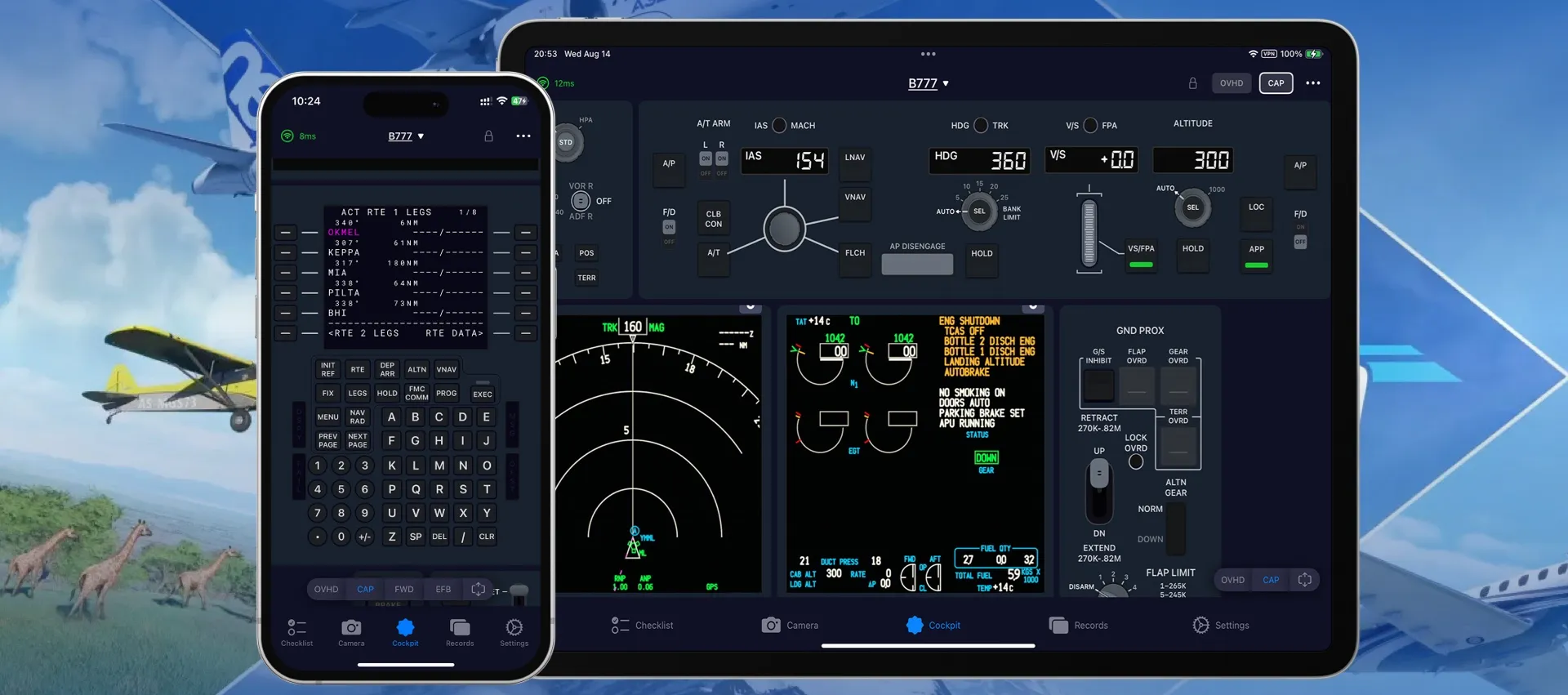
SimFly Pad is an app for iOS (16.0 or above), Android and Windows. It comes with Interactive Checklists, Real-time Photo & Video Capture, Flight Logs, and Cockpit Controls — direct control of cockpit panels such as the MCDU and FCU, right from your device.
How it works
SimFly Pad connects over Wi-Fi to SimFly Linker, a PC application that bridges your device and your simulator — MSFS 2020, MSFS 2024 and X-Plane 12. When both are on the same network, SimFly Pad connects automatically. Setup is extremely simple: no additional file operations, no QR code scanning, no browser required.
About SimFly LinkerCockpit Controls
- Direct control of panels during flight — autopilot, lighting, switches, flaps and more
- Universal panel supports most built-in GA aircraft
- Free advanced panels: C172 G1000, TBM930, SR22, G1000/G3000/G3X/GTN750, and Any Screen (stream any popup window)
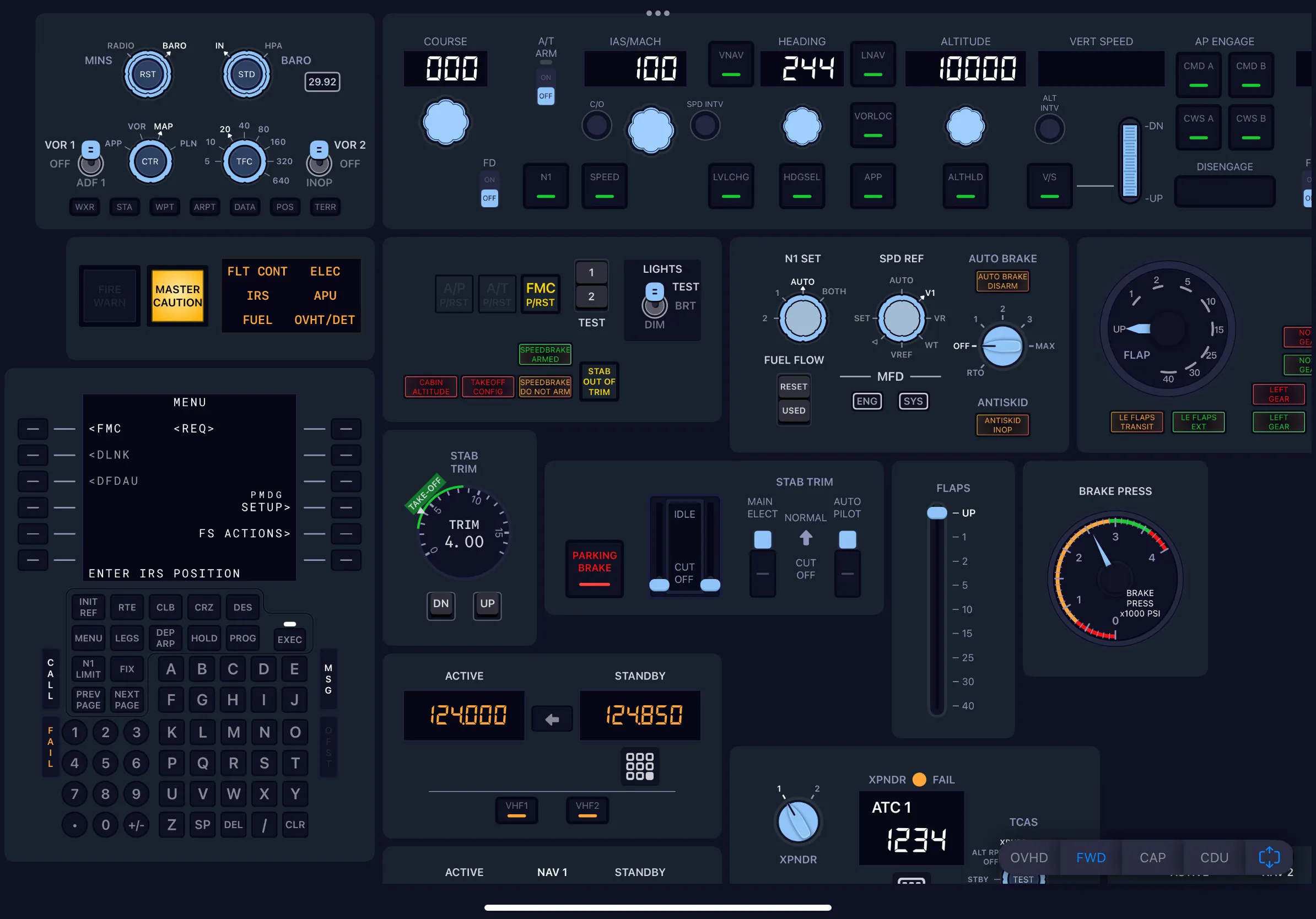
- Premium panels for A220, A320, A330, A340, A350, A380, B737, B757, B767, B777, B787, MD11, CRJ and PA24/C250
- All components implemented natively — higher performance, lower latency
Free GA panels included
Fly general aviation? The built-in universal panel and the free G1000-family panels cover popular GA aircraft out of the box — like the SR22 with dual G1000 displays, engine controls and FMS keypad.
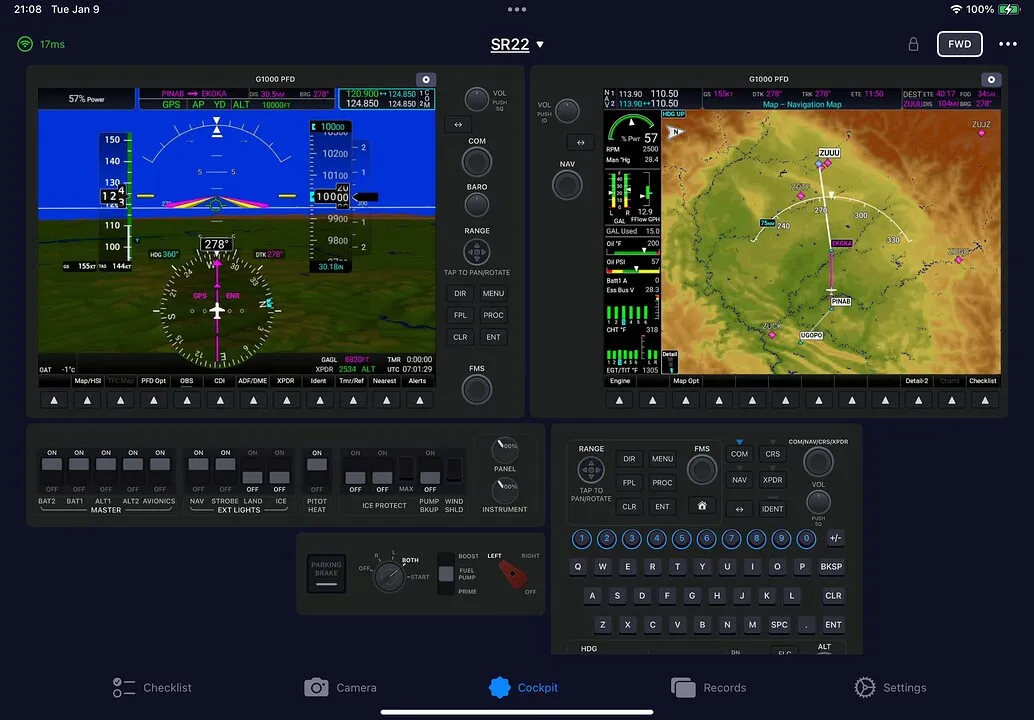
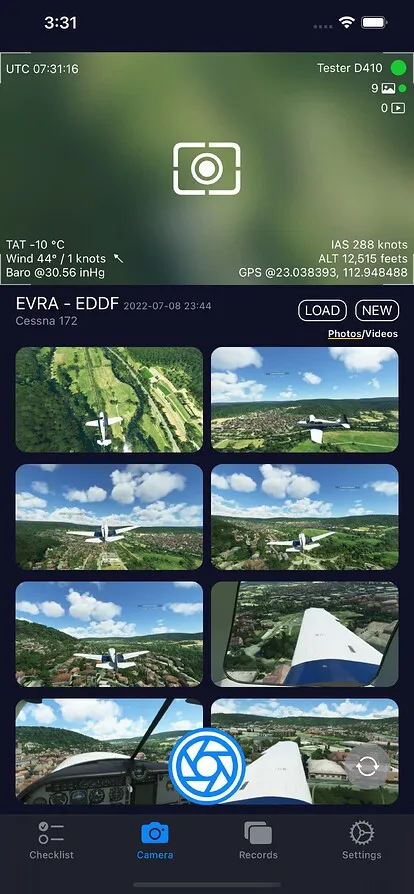
Photo & Video Capture , Checklists
- Capture screenshots and recordings directly within the game
- Every capture comes with your flight data — altitude, speed, location — with cloud storage support
- Create videos with flight data charts
- Interactive checklists: 10+ popular aircraft included, custom checklists, online checklist search, and emergency procedure checklists
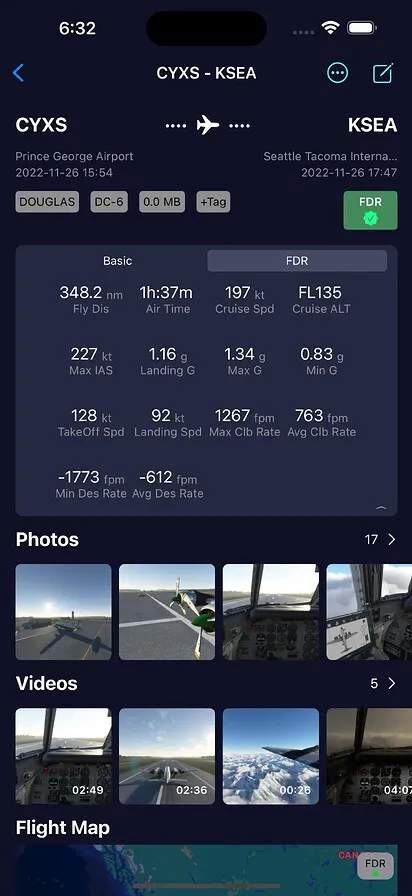
Flight Logs & FDR
- Manages and records all your flight logs
- Import FDR data for post-flight analysis — landing G-force, flight trajectory, cruise data
- Flight trajectory maps
- Cloud storage for flight logs