 SeeingSky
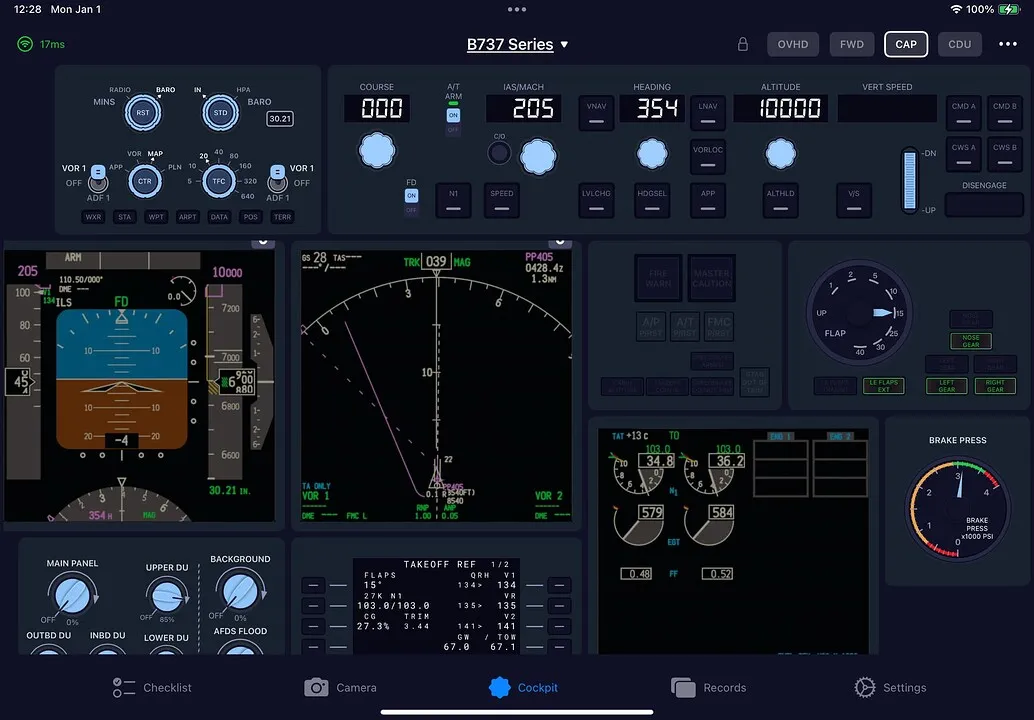
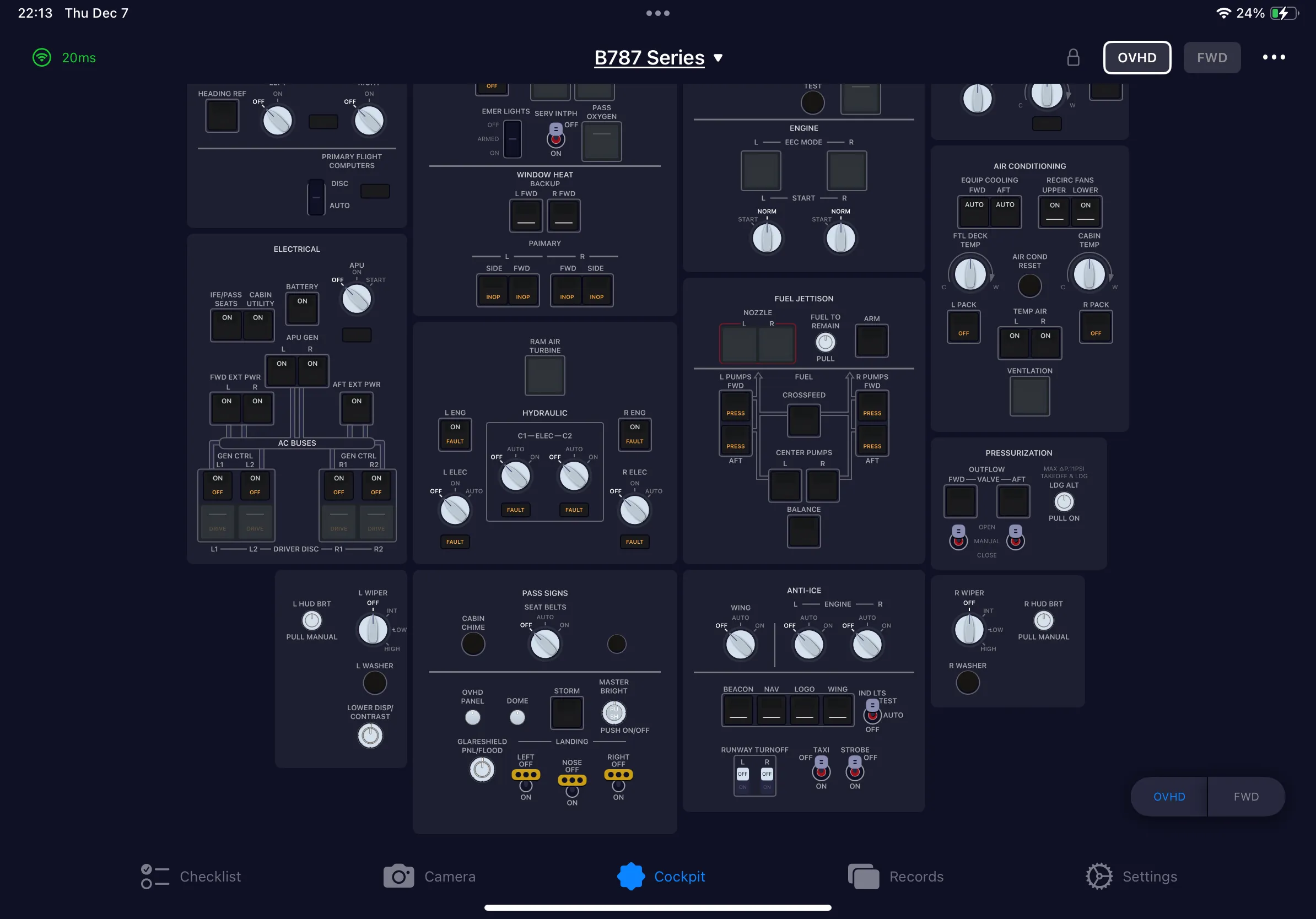
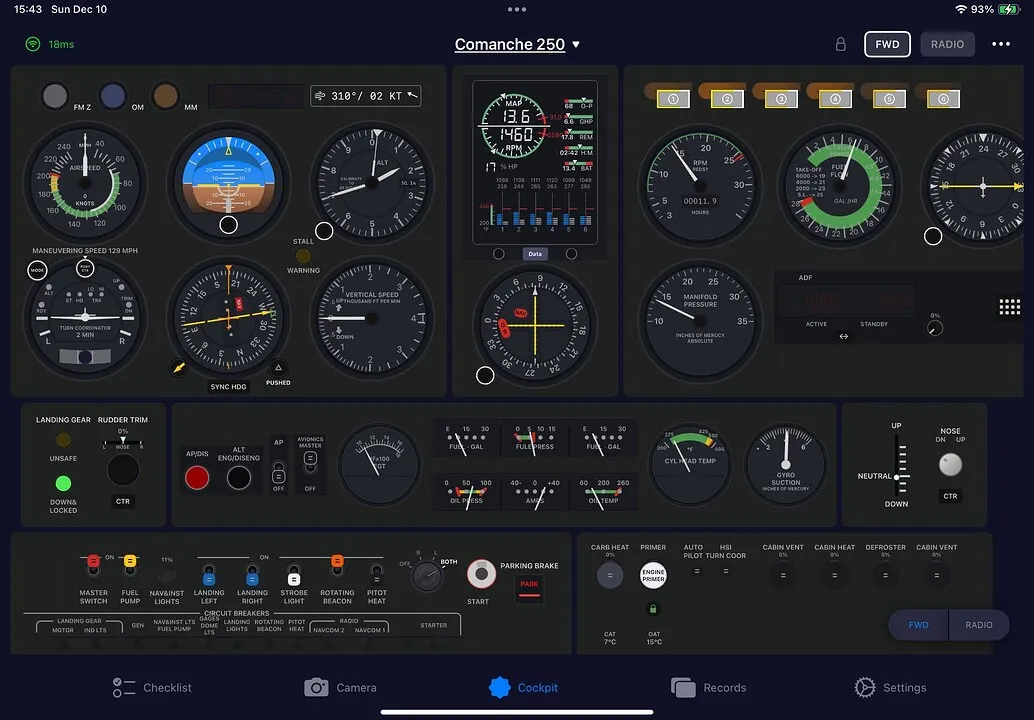
Cockpit controls
Operate the autopilot, MCDU, FCU, lighting, switches and more from a dedicated cockpit companion app.
SIMFLY PAD
SimFly Pad turns a tablet, phone or PC into an interactive cockpit for Microsoft Flight Simulator and X-Plane — operate the panels, stream the displays, and keep your main screen for the view outside.
iOS · ANDROID · WINDOWS MSFS · X-PLANE 25 PANELS AVAILABLE
Why SimFly Pad
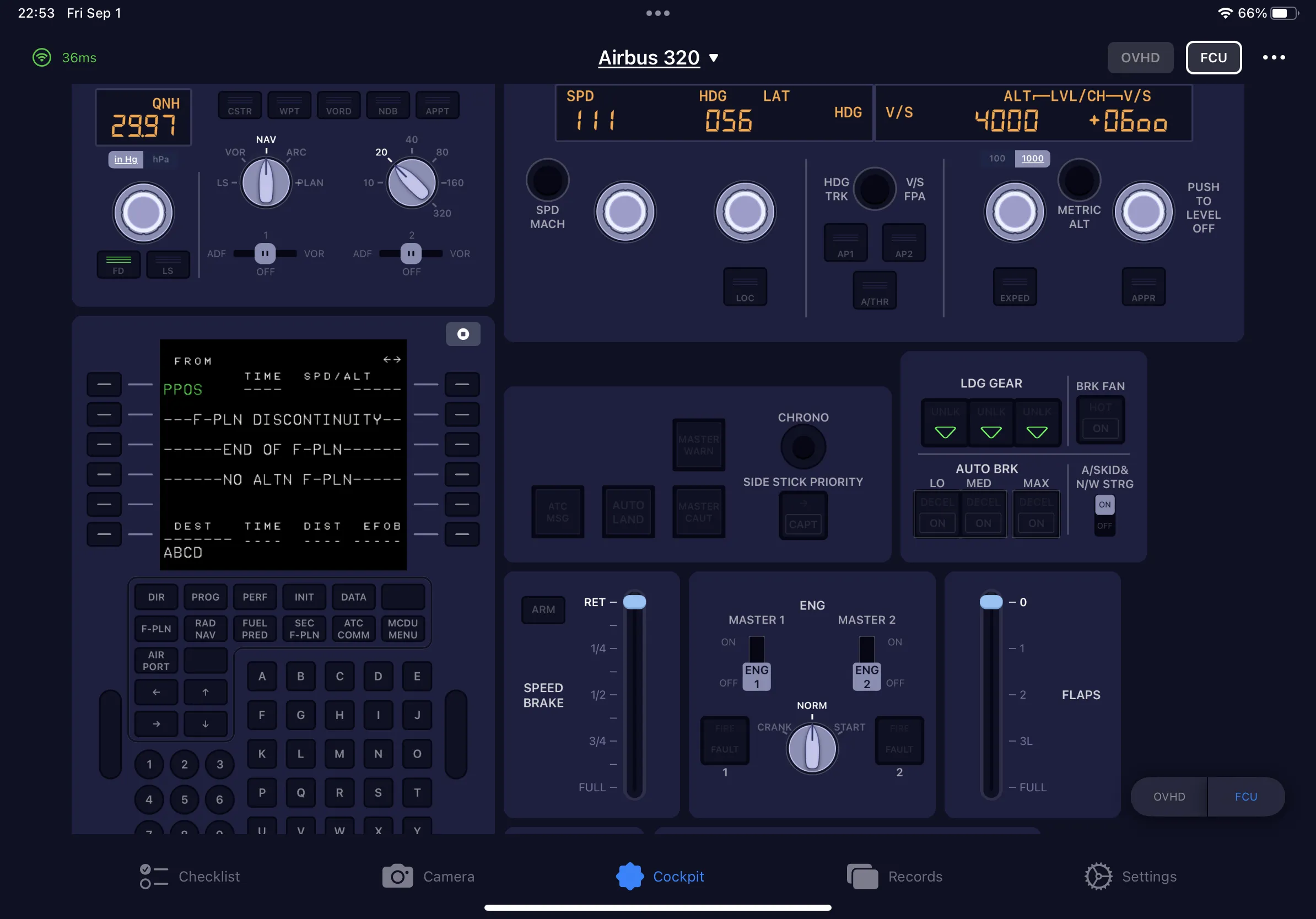
Operate the autopilot, MCDU, FCU, lighting, switches and more from a dedicated cockpit companion app.
Stream cockpit displays to your tablet, phone or PC and free up your main screen for the view outside.
SimFly Linker runs on your simulator PC and connects SimFly Pad to Microsoft Flight Simulator 2020/2024 and X-Plane 12.
Start with free panel profiles, or choose a Premium Panel for selected aircraft add-ons. Compare the panel options.
Beyond the panels
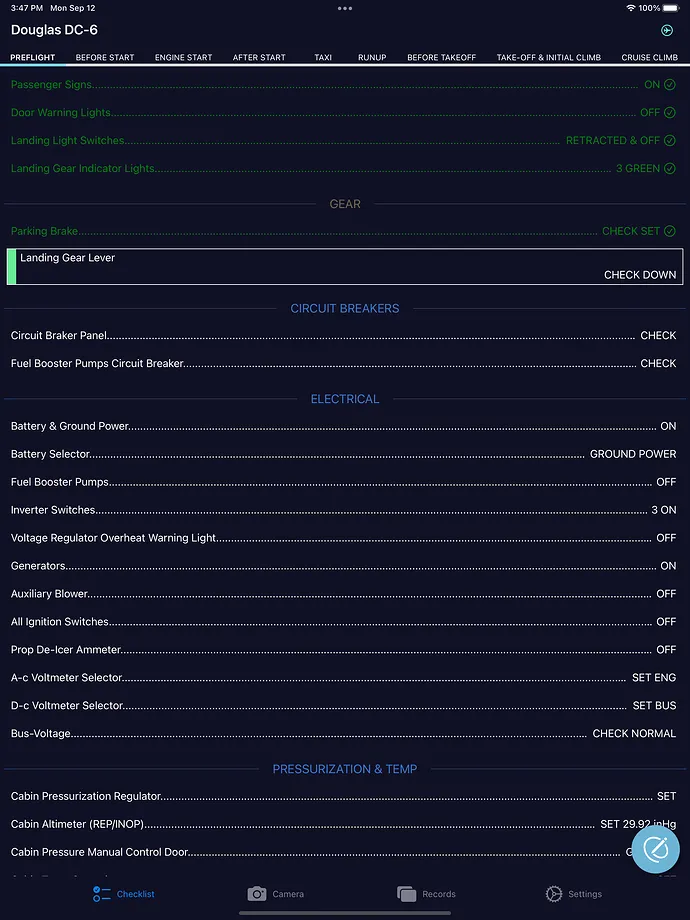
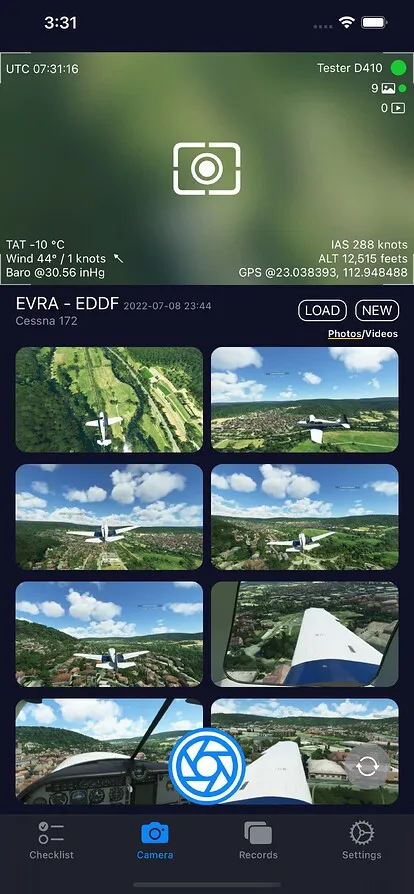
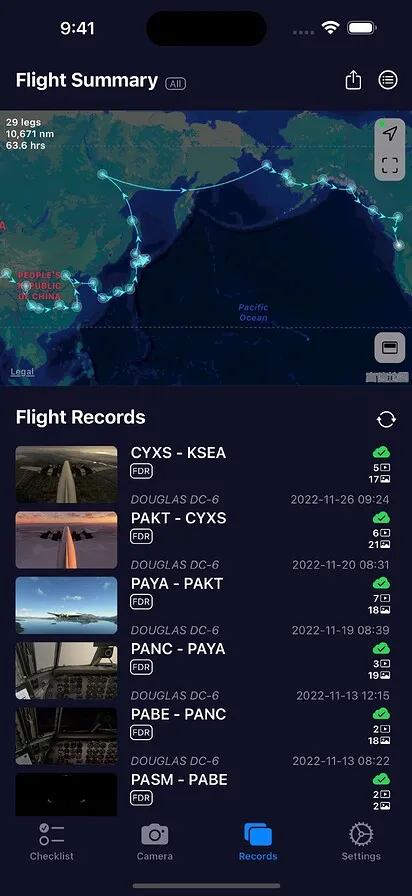
The app's other three tabs handle the rest of the flight — interactive checklists, in-flight photo and video capture, and records with FDR data for supported flights.
How it works
SimFly Linker runs on your simulator PC and bridges SimFly Pad to Microsoft Flight Simulator 2020/2024 and X-Plane 12. On the same network they can find each other automatically.
About SimFly Linker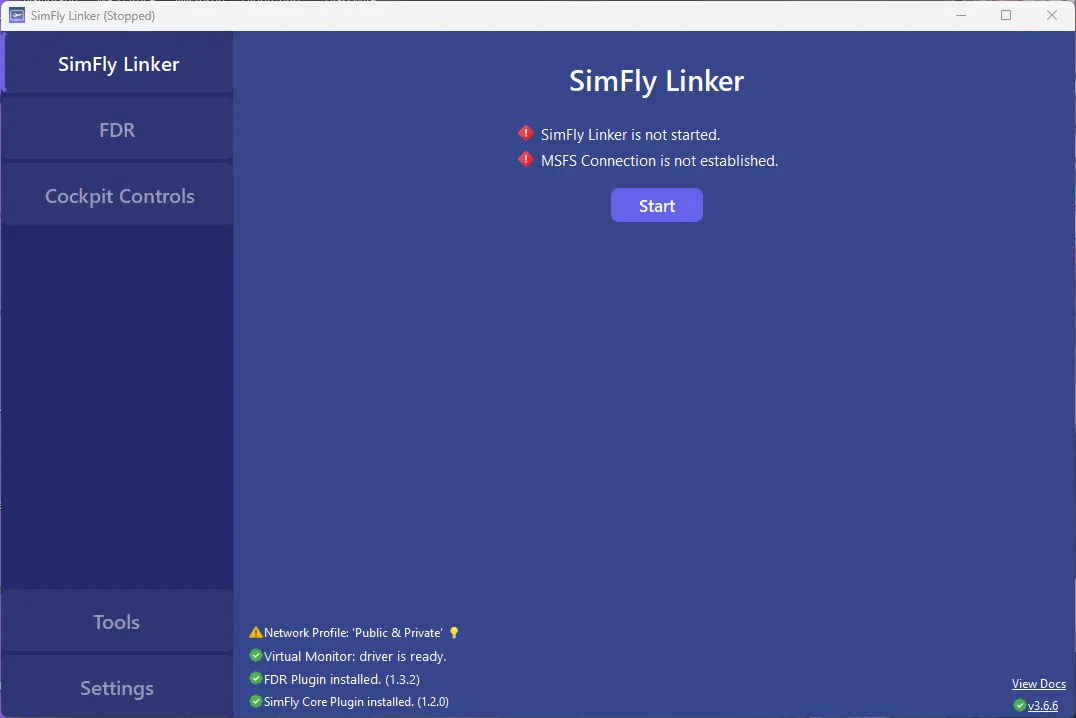
Before you download
Review supported simulators and aircraft before getting started with SimFly Pad.
Ready for pushback
Start SimFly Linker on your simulator PC, open SimFly Pad, and your cockpit follows you to another screen.
Download SimFly Pad