 SeeingSky
iniBuilds A330
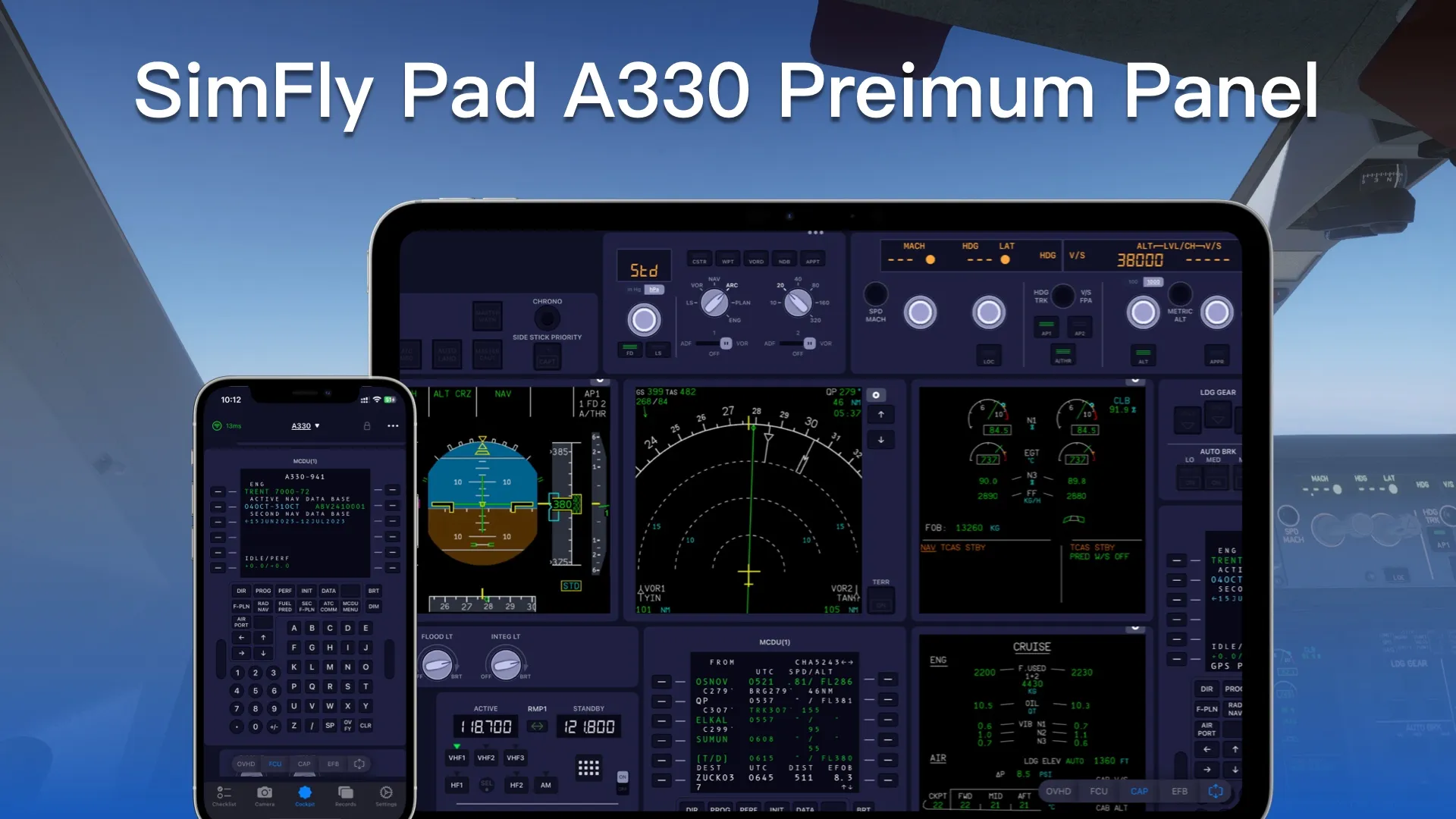
Compatibility information for using the iniBuilds A330 in Microsoft Flight Simulator 2024 with the SimFly Pad A330 Premium Panel.
Compatibility details
Simulators
- MSFS 2024
SimFly Pad platforms
- iOS
- Android
- Windows
Display streaming
Supported
Touch support
Not specified in the verified source.
Minimum SimFly Linker version
4.7.3
Associated panel
Supported panels
- Overhead panel
- Central panel
- FCU and EFIS
- Two MCDUs
- Pitch trim
- PFD, ND and ECAM display streaming
Installation requirements
SimFly Pad, SimFly Linker, Microsoft Flight Simulator 2024 and the iniBuilds A330.
Known limitations
- The MANAGED Heading Dot status cannot currently be displayed correctly.
Source note
The SimFly Pad A330 profile supports the iniBuilds A330 in Microsoft Flight Simulator 2024. It provides cockpit panel control and display streaming for the listed A330 panels through SimFly Linker.
This compatibility page is based on the SimFly Pad client profile and the published 4.7.3 changelog entry that added iniBuilds A330 support. Check the associated A330 Premium Panel for the complete panel catalog and purchase information.
Screenshots



FAQ
Which SimFly Pad panel is listed for the iniBuilds A330?
SimFly Pad A330 Premium Panel is the associated premium panel.
Where can I download SimFly Pad and SimFly Linker?
Use the SeeingSky download page for the current official download options.
Last updated: · Source verified: