 SeeingSky
Fenix A320
Compatibility information for using the Fenix A320 with the SimFly Pad A320 Premium Panel.
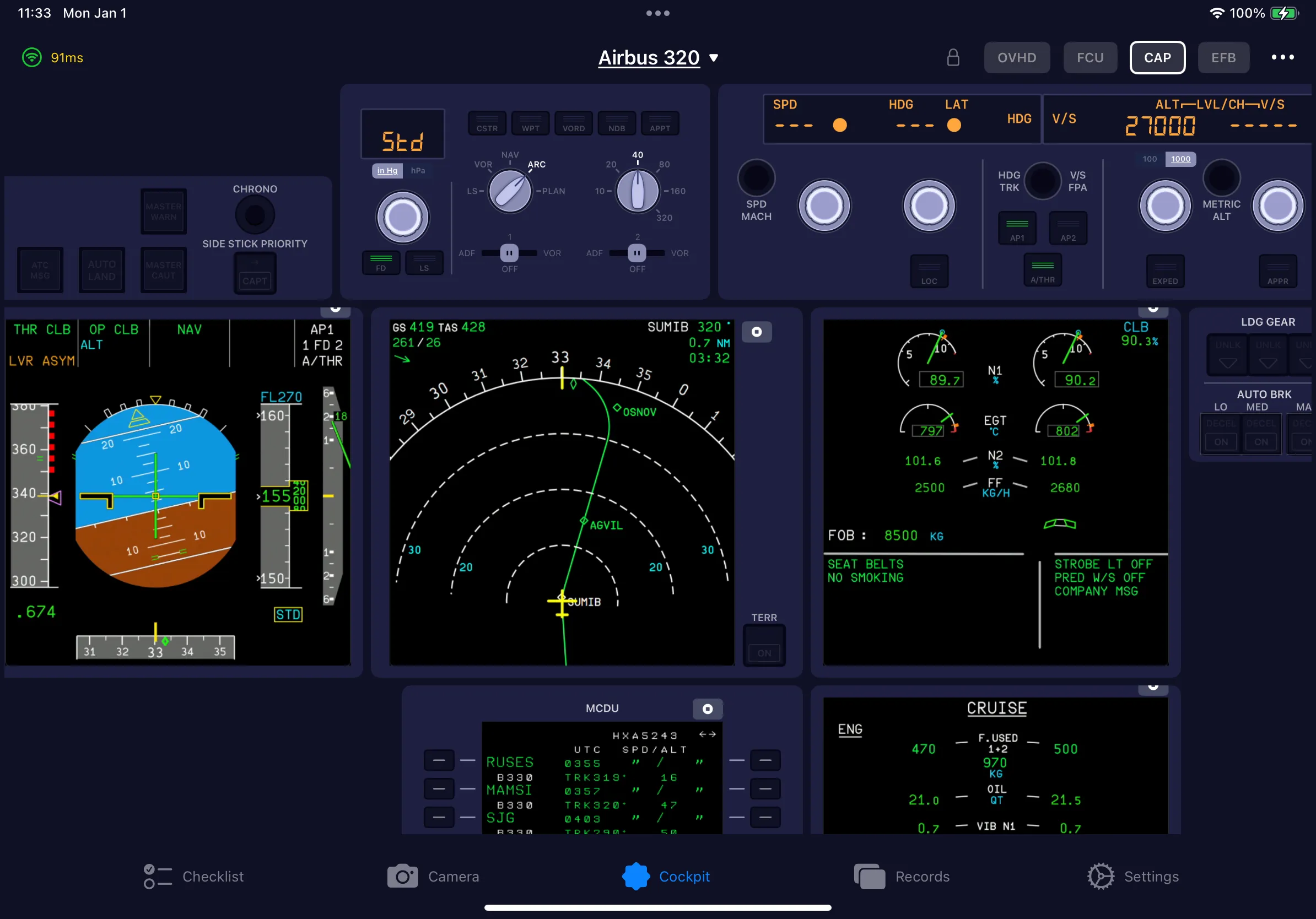
Compatibility details
Simulators
- MSFS 2020
SimFly Pad platforms
- iOS 16+
- Android 8+
- Windows 10 22H2 / Windows 11
Display streaming
Supported
Touch support
Not specified in the verified source.
Associated panel
Supported panels
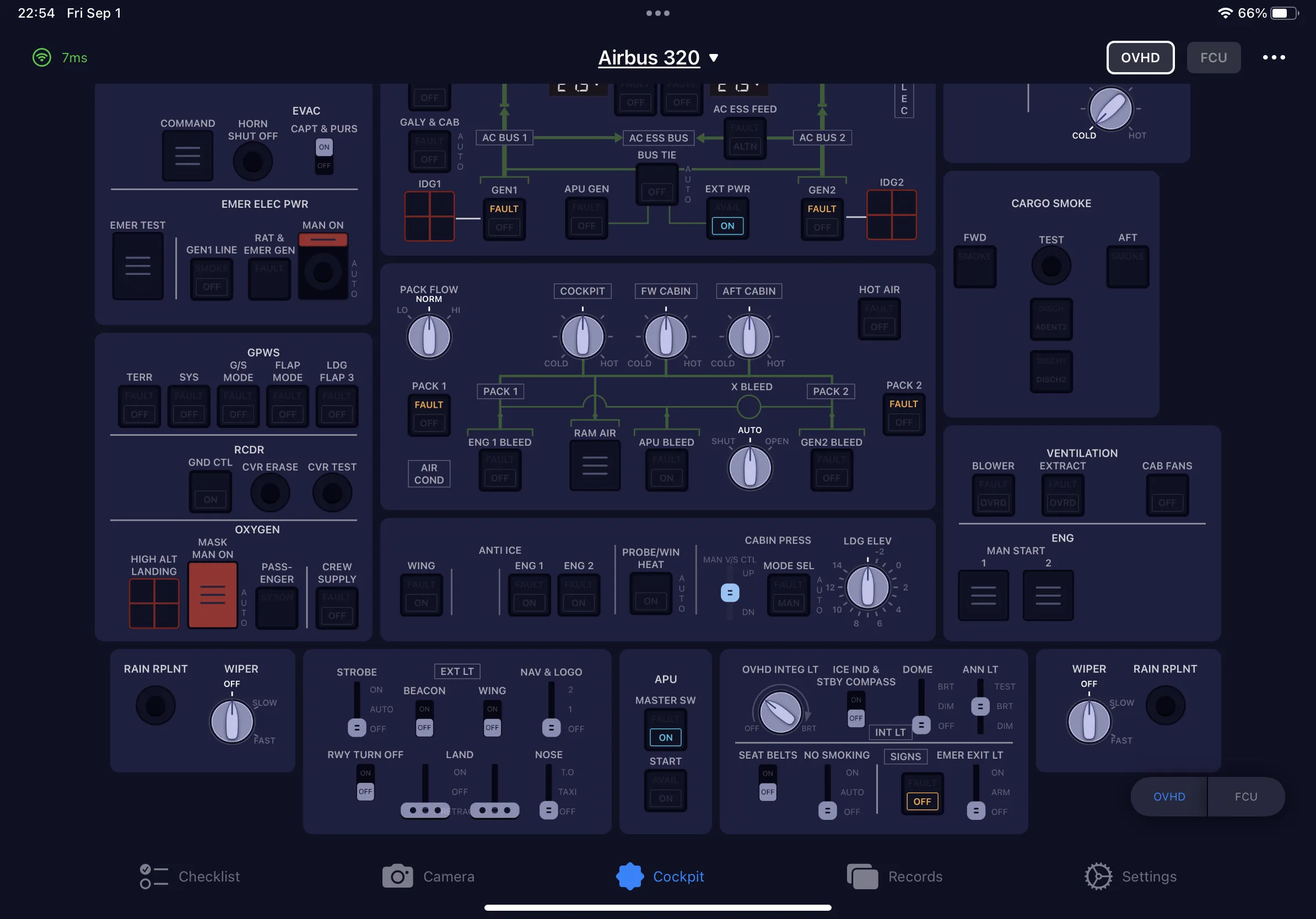
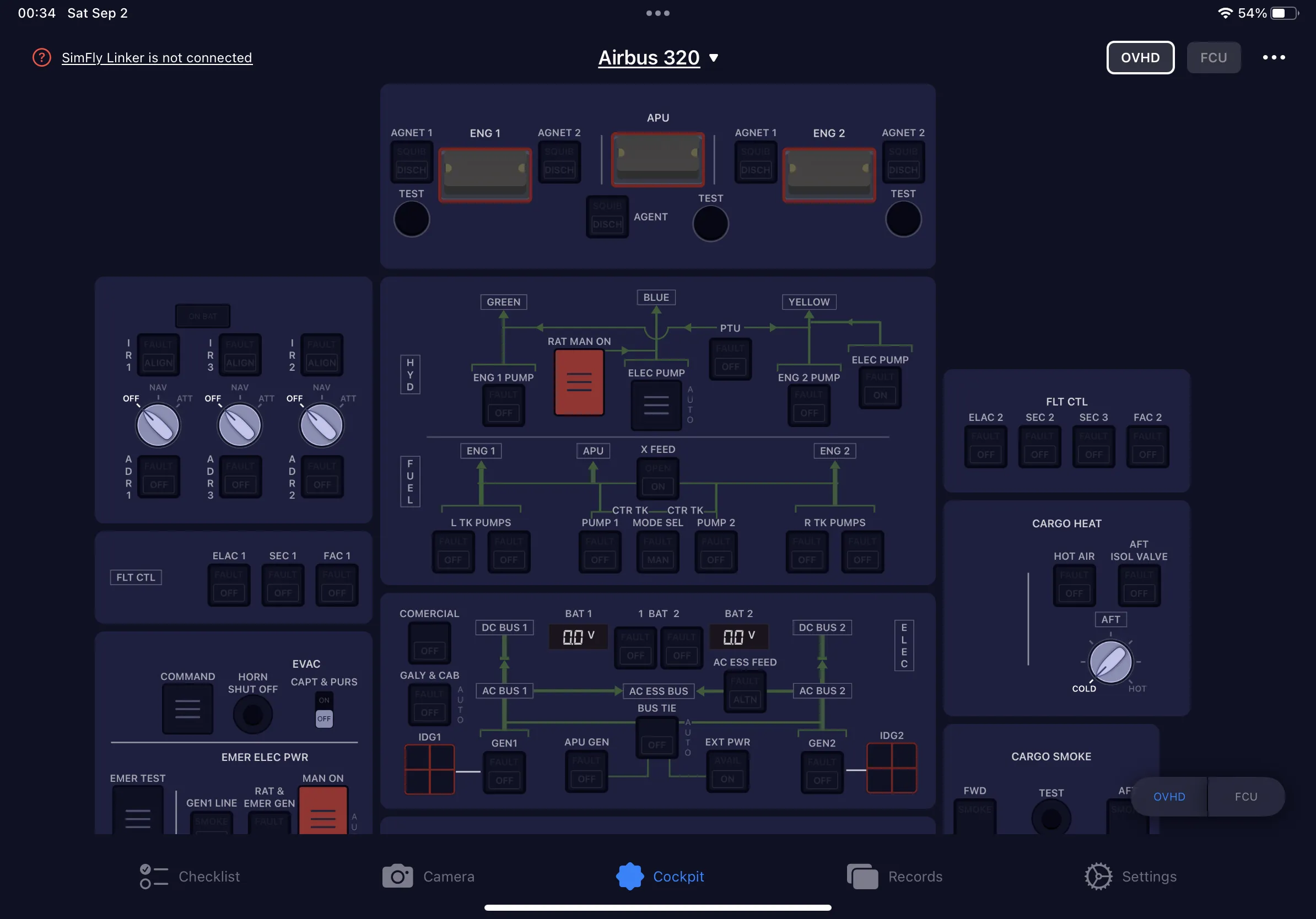
- Overhead panel
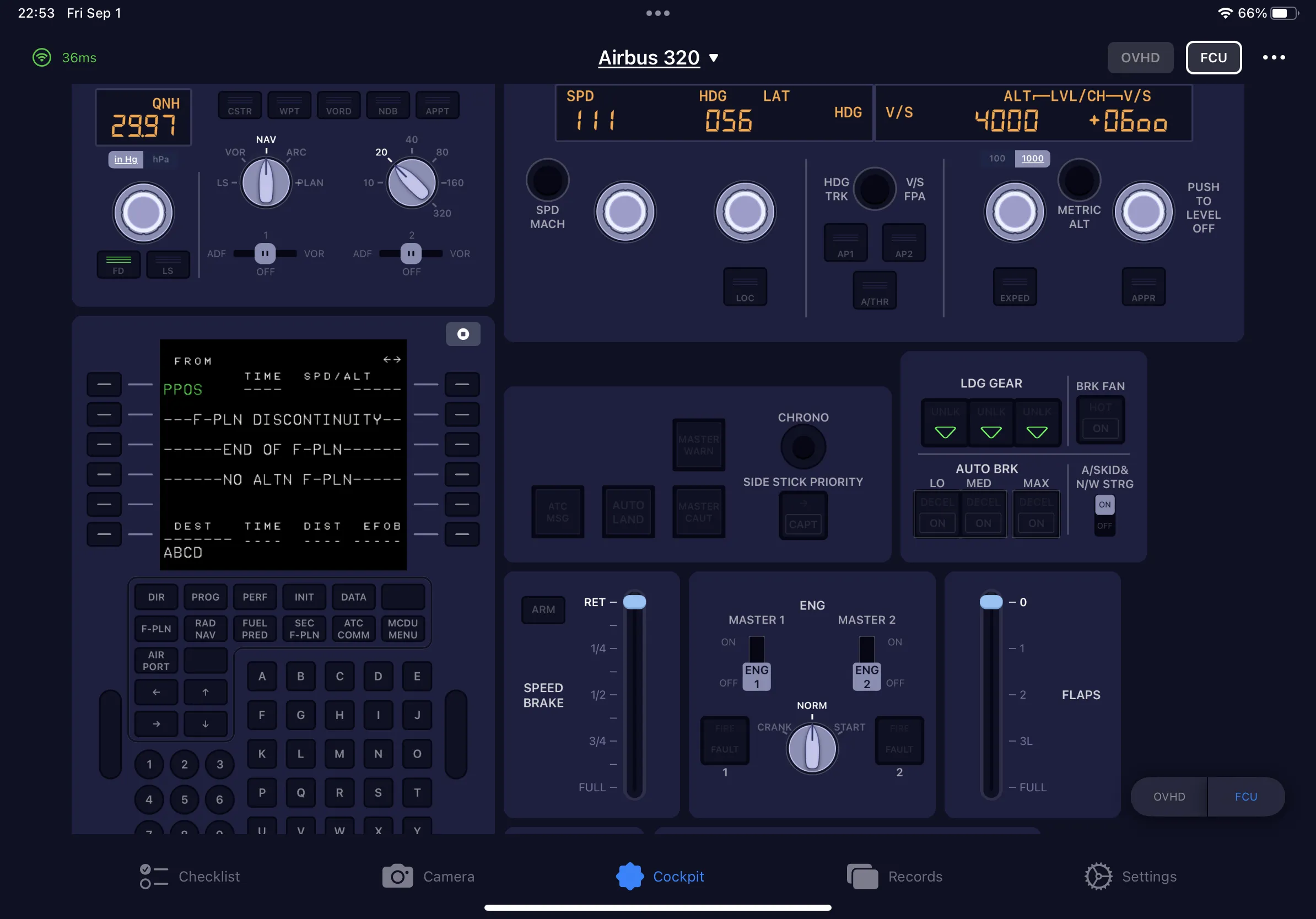
- EFIS and FCU
- MCDU and EFB
- PFD, ND and ECAM display streaming
Installation requirements
SimFly Pad, SimFly Linker, and the Fenix A320 for Microsoft Flight Simulator.
Known limitations
No limitations are listed in the current verified source.
Source note
The official SimFly Pad A320 Premium Panel listing names the Fenix A320 family as a compatible addon. This page only presents compatibility details supported by that listing; items that still require confirmation are identified above.
Screenshots
FAQ
Which SimFly Pad panel is listed for the Fenix A320?
SimFly Pad A320 Premium Panel is the associated premium panel.
Where can I download SimFly Pad and SimFly Linker?
Use the SeeingSky download page for the current official download options.
Last updated: · Source verified: